Using your device
How to Find the Right User Guide for Your WECAREU Device
Find your model number, choose the matching guide, and know what to have ready if you need to contact support.

Two devices can look alike and still use different instructions or accessories. Start with the model number on the device so you can find the guide that matches what you own.
1. Find the model number
Check the label on the back or underside of the device. If it is hard to read, look at the original box or the first pages of the printed manual. Copy the full model number, including any letters or numbers after a hyphen. If you bought a kit, the kit name on your order can differ from the device model printed on the label.
2. Match the guide to your device
Check the model number and language on the guide before using it. If the guide lists several models, look for your exact model in that list. Use the matching guide when checking which accessories fit or how to clean and store the device. Save a copy so you can find it again without searching.
3. Have the details ready for support
If you cannot find a matching guide, note your model number and tell us what you need help with, such as setup, a replacement accessory, or cleaning instructions. For an order-related question, have your order number ready. A clear photo of the device label can help if the model is hard to identify.
Have a question about your device? Visit Frequently Asked Questions or contact WECAREU support.
This guide provides general product information. Follow the instructions supplied with your device and contact a qualified healthcare professional for advice about your health.
Products in this guide
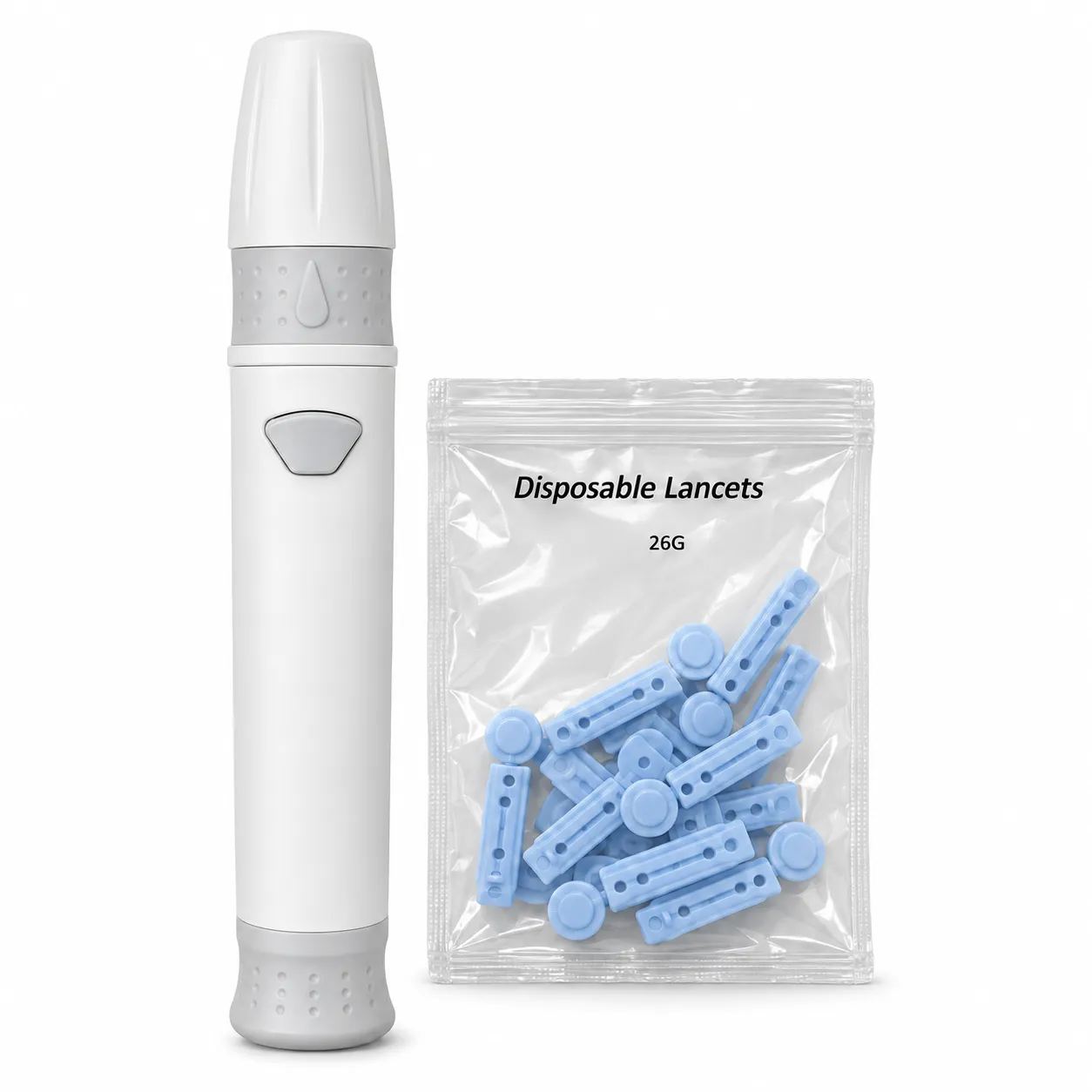 PreviewAccessories
Adjustable Lancing Device with 25 Lancets
$30.99$39.99
Choose an adjustable lancing device with 5 depth settings and 25 included lancets. One device per pack. Use supplied or confirmed compatible lancets.
1 Lancing Device + 25 Lancets
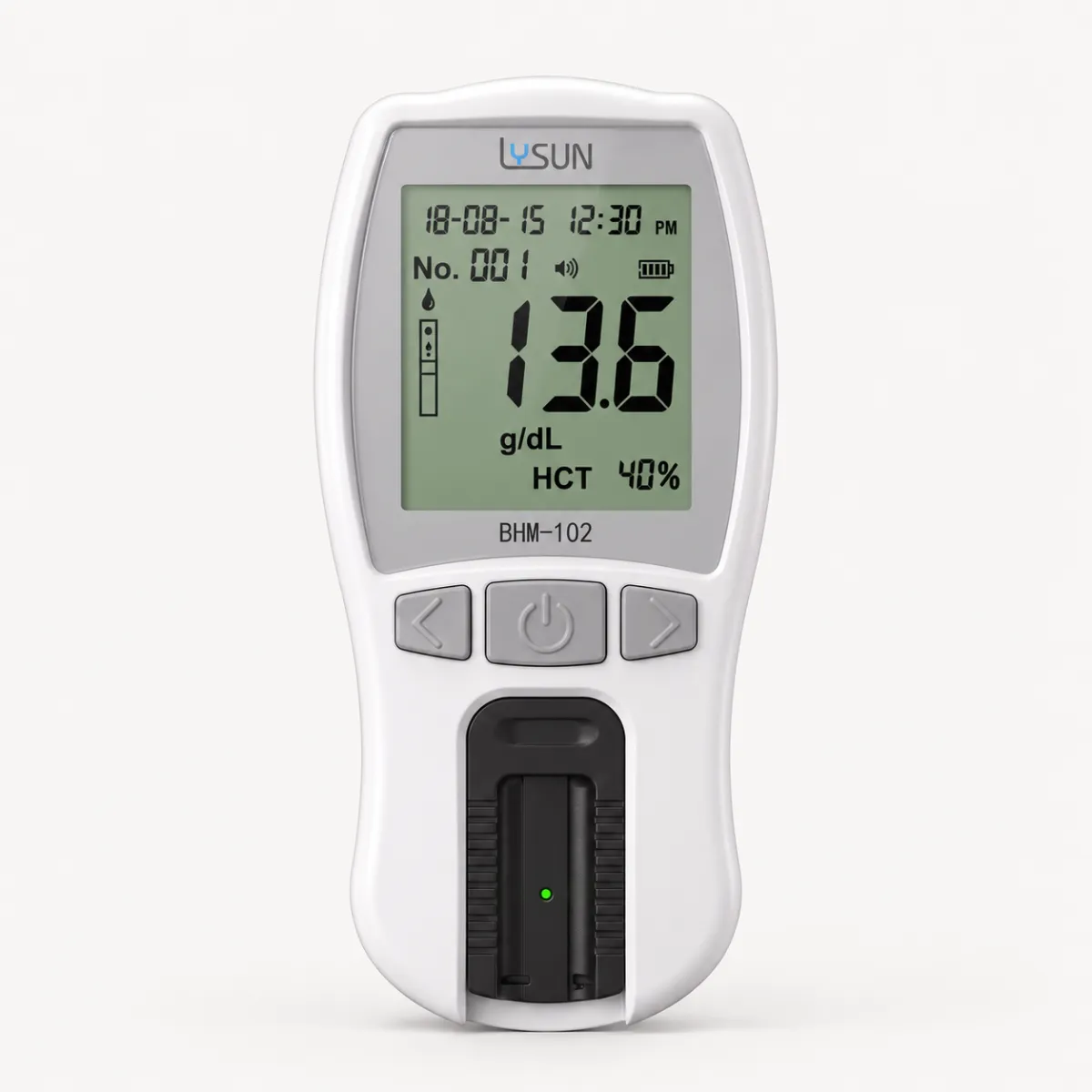 PreviewHemoglobin
Portable Hemoglobin Test Kit – BHM-102-50PCS
$99.99$129.99
The BHM-102 portable hemoglobin meter measures hemoglobin (Hb) and displays calculated hematocrit (Hct). Includes 25 BHS-101 test strips.
Value Kit - 50 Test Strips
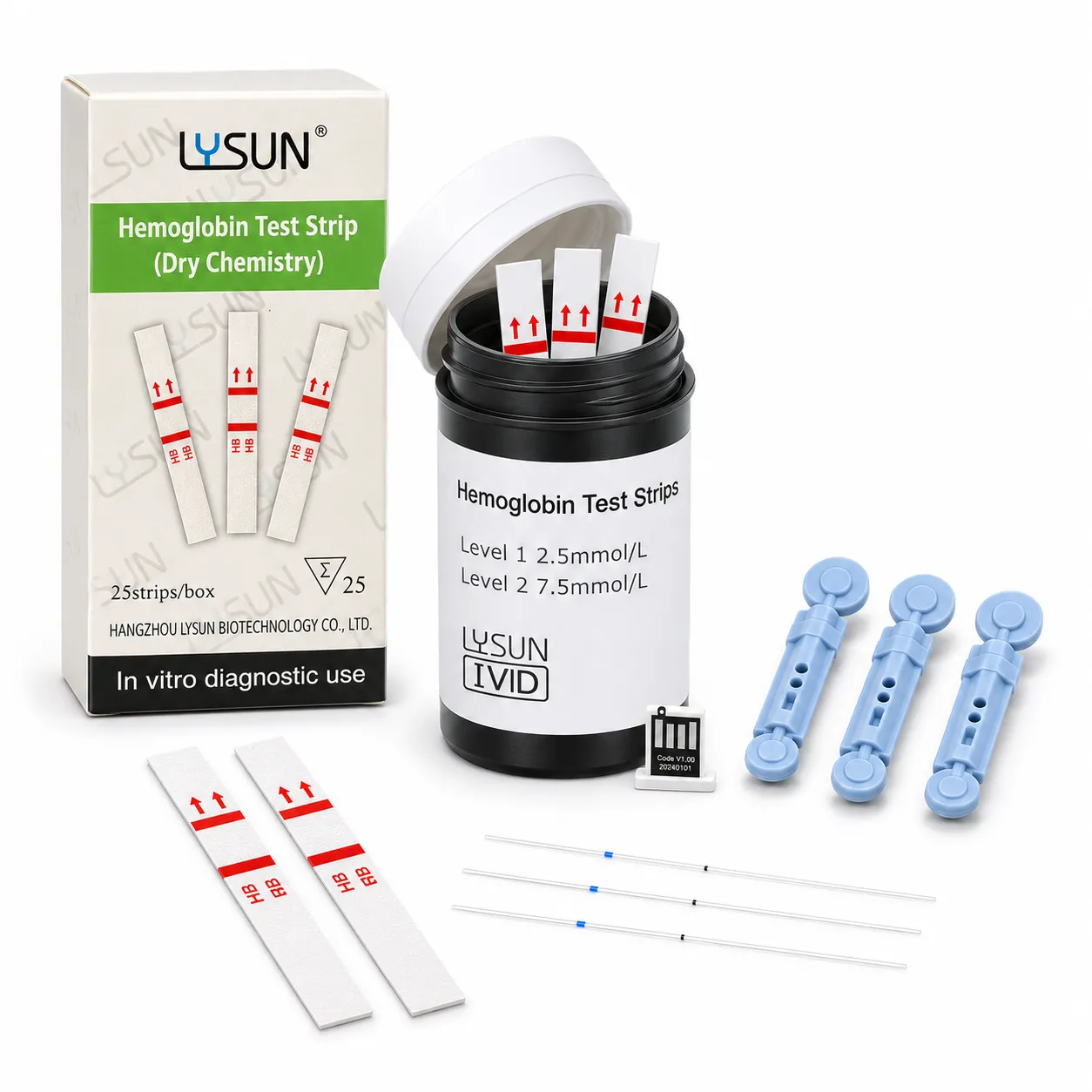 PreviewTest Strips
BHS-101 Hemoglobin 25 Test Strips Refill Kit for BHM-102
$39.99$69.99
BHS-101 hemoglobin test strips for the BHM-102 meter. Includes 25 strips, 25 lancets and 25 capillary tubes in one refill kit. Meter sold separately.
25-Test Refill Kit
Related guides
All guides
Using your device
How to Track Your WECAREU Order
Find your WECAREU order number, check the latest delivery information, and know what to have ready if you need support.
1 min read
Read guide